A monthly rental for two remote workers
Check separate call spaces, simultaneous internet use, desk setups and shared routines when two people will work from one monthly rental.

One attractive desk does not make a monthly rental suitable for two remote workers. The real test comes when both people have calls, need concentration or use large files at the same time. A home that works well for one laptop may create daily conflicts for a pair with overlapping work hours.
Before searching, compare your actual schedules. Identify fixed meetings, confidential conversations, early starts and any equipment you must bring. You are choosing a temporary home first, but you also need a realistic plan for the work that will happen there. Do not assume a second desk can simply be added anywhere.
Map simultaneous activities
Write down a typical weekday for each person. Mark the periods when both are speaking, when one needs quiet and when either can move to a common area. This reveals whether you need two closing doors or simply two usable surfaces.
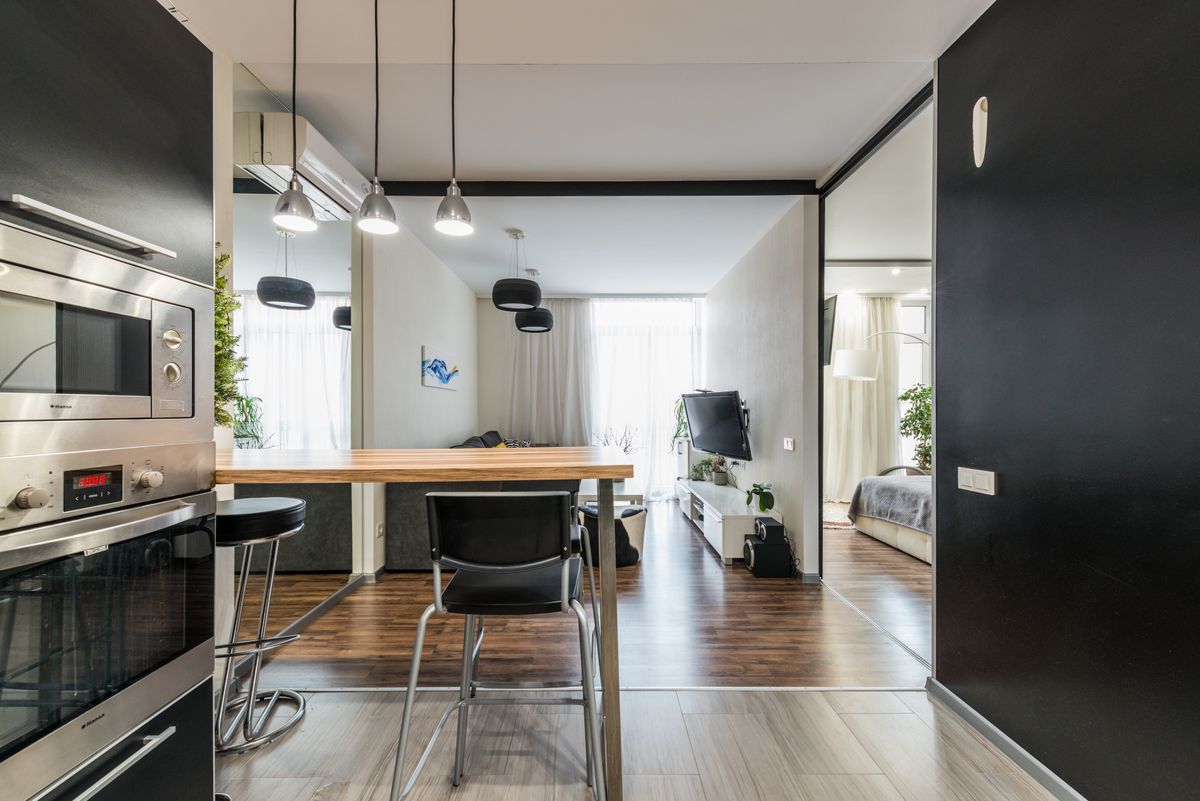
Ask how sound travels between the proposed work areas. An open loft, curtain or bedroom door beside the television may not provide enough separation. A floor plan and live tour can clarify the arrangement, but no photograph can promise confidentiality or sound isolation.
Verify two complete setups
Count chairs, outlets and usable work surfaces separately. A kitchen counter can be a temporary solution, but consider posture, lighting and whether meals require clearing away equipment. Ask whether the owner permits moving furniture and whether it must be returned to its original position.
If one person uses a monitor or employer-issued equipment, confirm dimensions and packing plans. Do not assume that a screen visible in listing photographs is included. Bring the cables and adapters you actually need, without expecting the rental owner to configure work devices or provide technical support.
Ask about simultaneous internet use
Explain that two people will be working and ask about the connection serving the unit. A speed result from one device does not show how two video calls behave alongside other household activity. Request information about the workspace location, router placement and any known reliability issues.
Check employer requirements separately. Some organizations restrict public networks, personal hotspots or particular connection methods. Do not change the owner’s router settings, install networking equipment or bypass security controls without permission. A backup connection must also comply with your work policies.
Plan confidential conversations
Decide where each person can speak without the other participating unintentionally. Headphones reduce what you hear, but do not stop your voice from entering the other person’s microphone. A closing door helps, although it does not guarantee acoustic privacy.
If sensitive work is central to either role, consider a separate approved workspace outside the home. Check its actual access hours and confidentiality conditions. Do not treat a café table as an equivalent substitute for a private office simply because it has Wi-Fi and a convenient location.
Set a household work agreement
Agree on call notifications, shared breaks and when common areas return to ordinary home use. Decide who moves when an unexpected meeting appears. A simple shared calendar can prevent recurring arguments about whose work is more important.
Also define the end of the workday. Keeping both setups permanently across the dining area may reduce the comfort of a small home. Storage for laptops and cables can make a compact rental more usable without requiring additional rooms or changes to the owner’s furniture.
Compare the whole arrangement
Add any necessary coworking passes, backup data and transport to your housing budget. A slightly larger home may cost less overall than a cheaper studio requiring two external workspaces. Conversely, staggered schedules can make a smaller place practical when you agree on how it will work.
Search furnished monthly rentals with both schedules in mind. Owners can list a furnished place and describe the actual desk, room separation and internet arrangement without promising that every remote-working pair will have the same experience.
Make your next month feel more settled.
Related reading

Internet backup planning for a monthly rental
Build a practical backup for work internet during a monthly stay, checking mobile reception, data limits, employer rules and nearby alternatives.
Monthly rental layouts: questions beyond square footage
Evaluate a furnished rental’s layout using doorways, bathroom routes, work areas and storage instead of relying only on advertised square footage.