Boise Remote Work: Check More Than the Wi-Fi Claim
Boise remote workers should test upload speed, desk setup, and backup workspace options before choosing a monthly stay.

Illustrative editorial photograph · Pexels. Not a photograph of a marketplace listing.
In Boise, Idaho, a monthly stay can look perfect on paper and still fail on the first video call if the desk wobbles, the upload speed drops, or the only quiet corner is the kitchen table. For remote workers, the real question is not whether a place says “Wi‑Fi included,” but whether the space supports a workday that depends on stable upload, a real desk, and a backup plan when the apartment gets loud. This article stays on that decision: how to judge a Boise monthly stay for work, what to ask about the setup, and what local public resources can cover the gaps when you are not ready to commit to a place.
Start with the work problem, not the listing headline
A useful way to screen Boise options is to begin with your most failure-prone task. If you spend mornings on live calls, the space needs a quiet seat, a camera angle that does not point into a bed, and enough upload capacity to keep your voice and image from freezing. If you spend afternoons sending large files, the critical question is whether the connection holds up during repeated uploads, not just whether streaming video works once. If you alternate between spreadsheets and calls, the desk matters as much as the network because standing at a counter for eight hours is not a sustainable workaround. Use the search tools at Month ’n’ More’s Boise monthly stay search to narrow by location and stay length, then read each option as a workspace description, not only a place description. If you are planning to offer a place to remote workers instead of booking one, the same logic should shape your listing; list your place on Month ’n’ More with precise notes about the desk, chair, outlet access, and any limits that would affect daytime work.
What Boise’s public workspace facts mean for a remote worker
Three local details help you think beyond the Wi‑Fi line. First, the Boise Public Library says that free wi‑fi is available inside all five locations during open hours and in library parking lots from 7 a.m. to 9 p.m.. That matters because it gives you a fallback plan if your monthly stay’s connection is unreliable, but it also means your schedule should account for library hours rather than assuming an all-day refuge. Second, the library’s meeting rooms and study rooms can be reserved ahead, and room sizes vary from two to 100 seats. For a remote worker, this is not just a convenience fact; it tells you that Boise has a structured backup for interviews, client calls, or a temporary quiet room when your rental is too open-plan. Third, the library’s tele-appointment pod is only at the Downtown Library, can be reserved up to three months in advance, and is limited to two hours without extension. If you have one crucial onboarding meeting or a presentation, that kind of specific resource may shape where you choose to stay in Boise and how close you need to be to downtown. It is a backup for a defined task window, not a substitute for a full workday.
The desk question is not decorative
A “desk” in a listing can mean almost anything from a true workstation to a narrow shelf. For remote work, the difference is large enough to decide whether you can stay for a month or only a few nights. Ask for the desk’s dimensions if the owner can provide them, and ask whether a full-sized chair fits under it. If the chair is fixed-height, ask whether the screen sits high enough to avoid neck strain during long calls. If the workspace is a dining table, ask what happens when meals need to happen at the same surface as your laptop, notebook, and external drive. Example: a project manager books a Boise monthly stay for six weeks and expects to run daily video meetings. The listing mentions Wi‑Fi and a “workspace.” The manager requests a photo of the actual desk from seated eye level, asks where the nearest outlets are, and confirms whether the desk is in a bedroom, living area, or alcove. That kind of inspection matters more than the photo styling because the workday may involve camera use, headset storage, and repeated note-taking. The same stay could be fine for evening email but a poor fit for five hours of back-to-back calls.
Upload is the real test when you work from Boise
Many people think of internet quality as a download question, but remote work often fails on upload first. If you are sending large files, speaking on video, or sharing your screen while others do the same, upload consistency can matter more than raw speed claims. When you ask about internet in a Boise monthly stay, do not stop at “fast Wi‑Fi.” Ask whether the connection is shared, whether the owner has measured performance during the hours you will actually work, and whether there is a backup option if the line drops. The Boise Public Library’s mobile printing page also shows that library cardholders can upload files from their own device anywhere for same-day printing at the Library. That detail matters because a remote worker might need a physical copy of contracts, notes, or travel documents without relying on the monthly stay’s printer, if there is one. The page instructs users to go to the mobile printing site, sign in with a library card number and PIN, and click “upload document.” For your decision-making, that means local infrastructure can offset some apartment deficiencies, but only if you are willing to use it intentionally and have the right library access. If your job involves uploads, ask one direct question: can the place handle a 30-minute period of repeated video transfer or cloud sync without interruption? That is more useful than asking whether the owner thinks the connection is “great.”
Build a backup plan around public rooms, not assumptions
A good Boise remote-work setup usually has a primary desk and at least one backup workspace. The backup is not only for emergencies; it is for days when housekeeping noise, a visiting guest, or a service call makes the main room unusable. Boise Public Library’s reserve-ahead meeting and study rooms are useful here because they let you think in terms of work blocks, not just internet access. If you know you have an interview, a training session, or a presentation, a reservable room can keep the session separate from the rest of your day. The tele-appointment pod deserves special attention because it is a narrow tool: two hours, Downtown Library only, and no extension according to the library page. That tells you to reserve it for the exact meeting that needs privacy, not for a vague “work from somewhere quiet” idea. For the rest of your workday, you still need a reliable desk in the monthly stay or a larger reserved room elsewhere. This is also where the Boise Public Library policy manual helps you understand the public environment: the library explicitly frames its facilities around access to current materials, technological resources, internet access, and reference services. That means the library is part of a practical work strategy, but not a private office replacement.
A decision framework for Boise monthly stays
Use a simple three-part test before you commit to any Boise stay for remote work: function, fallback, and friction. Function asks whether the room supports your actual work: desk height, chair comfort, outlet access, screen placement, and the ability to talk without echo. Fallback asks where you will go if the connection, noise, or lighting fails. In Boise, the public library system gives you several fallback formats: open Wi‑Fi, study rooms, meeting rooms, and a tele-appointment pod. Friction asks how much effort it takes to switch between those options. A perfect backup across town is less helpful if you will never leave the house to use it. Example: a designer comparing two Boise monthly stays chooses the one with a smaller living room but a true desk and a quieter street over a prettier place with a kitchen stool and no place to leave a second monitor. The designer also notes the Downtown Library’s tele-appointment pod for one client pitch and reserves a study room for the week of a heavy revision cycle. The result is not luxury; it is workflow stability.
Checklist before you message an owner or host
- Ask for a photo of the actual desk from the angle you would sit at, not a wide room shot.
- Confirm whether the desk has a chair that works for several hours at a time.
- Ask where the nearest power outlet is relative to the desk and whether a charger can stay plugged in without crossing a walkway.
- Request the best estimate of upload reliability during your working hours, especially if you send large files or join frequent calls.
- Ask whether the internet connection is shared with other units or other people in the home.
- Find out whether there is a quiet room, door, or partition you can use for calls.
- Write down the address or branch name of the closest Boise Public Library location you would use as a fallback workspace.
- Check whether your work would benefit from a reservable meeting room or the Downtown tele-appointment pod.
- Confirm the exact move-in and move-out dates for your monthly stay so your backup plan covers the full stay window without gaps.
A Boise monthly stay for remote work works best when you judge it like a temporary office: not by the promise of internet alone, but by whether the desk, upload, and backup space match the kind of day you actually live. If you treat the place as a workstation first and a bedroom second, you will ask the right questions, reserve the right local resources, and avoid discovering on Monday morning that your “workspace” is really just a laptop on a corner table.
Make your next month feel more settled.
Related reading
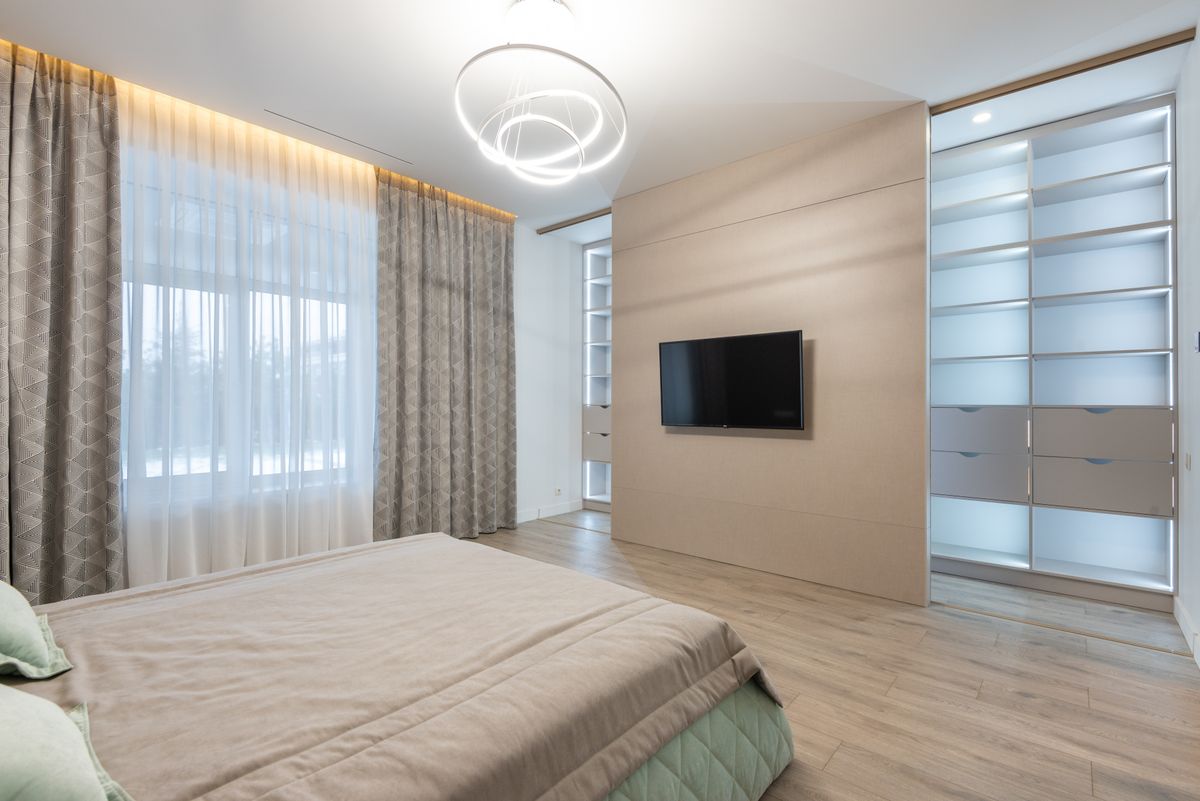
Questions to ask before choosing a stay
The useful questions that bring a listing to life, from included costs and furnishings to arrival, internet and the small details of daily living.
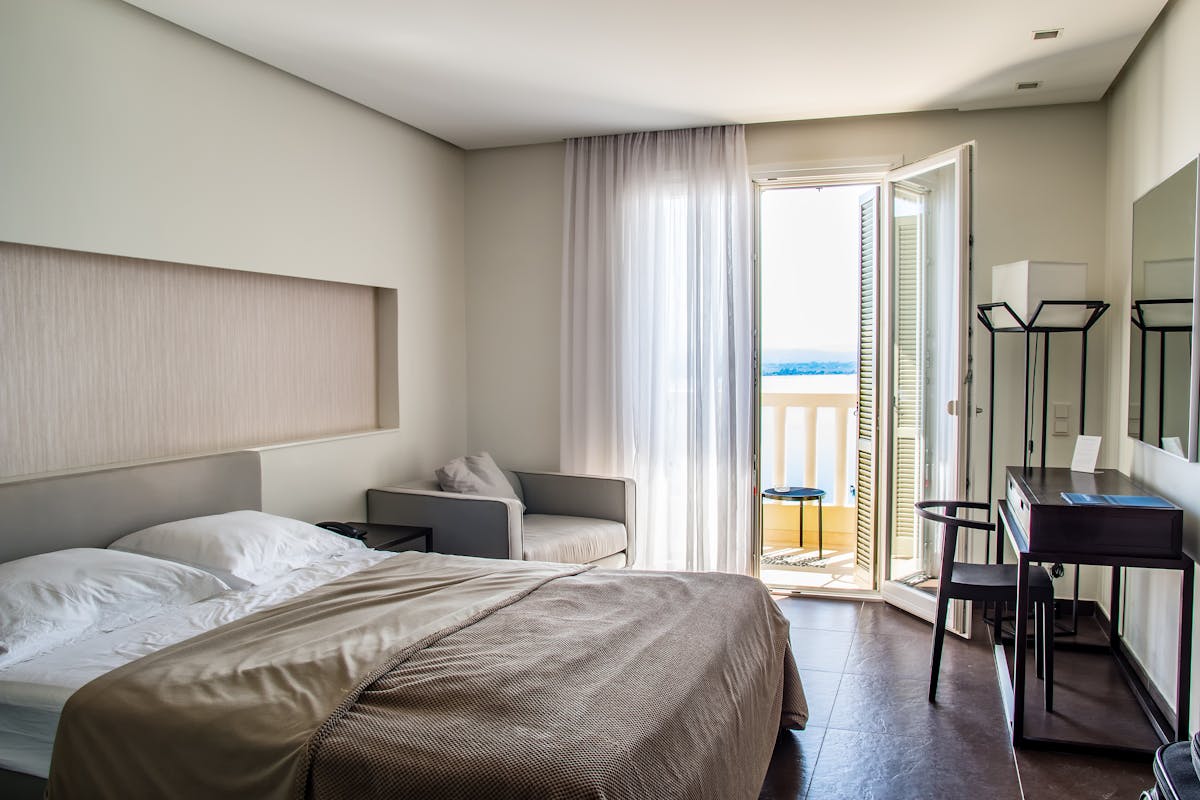
Furnished monthly rentals, explained
A clear starting point for understanding what a furnished monthly stay is, what it may include and how to decide if it fits your plans.
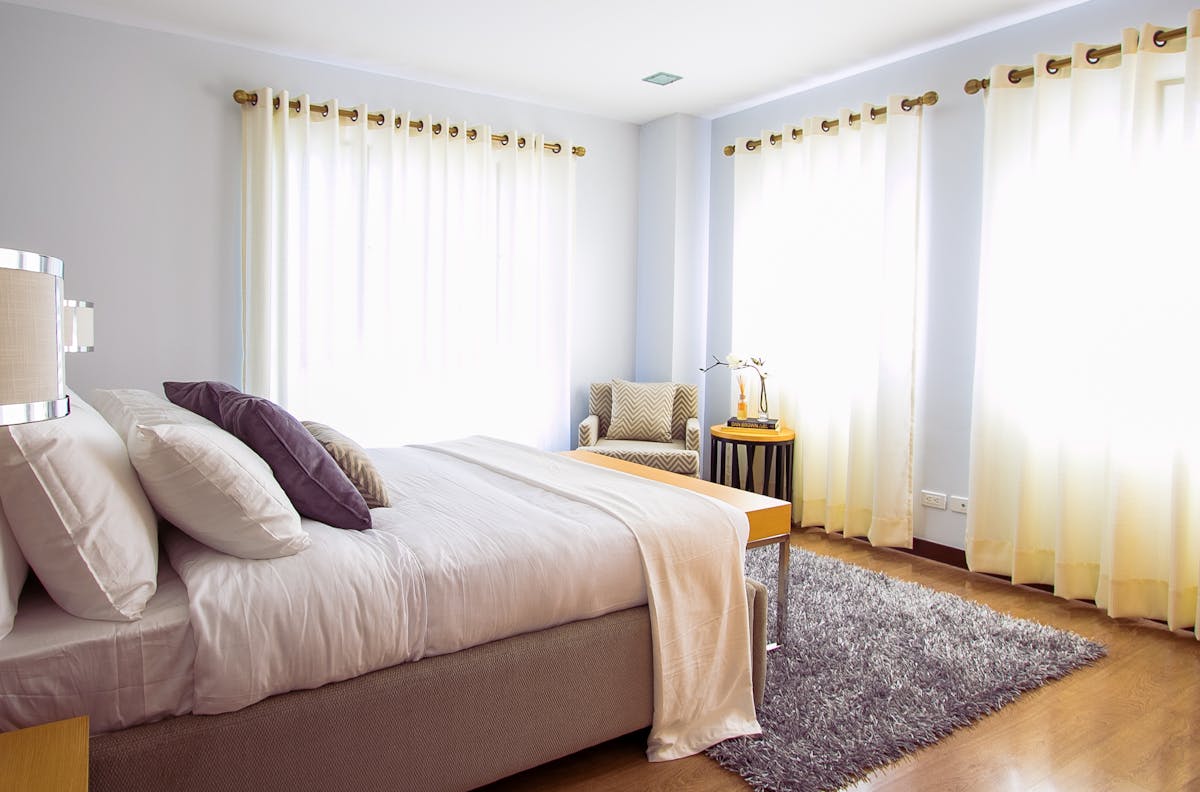
Furnishing essentials for monthly stays
A people-first guide to preparing a furnished home: focus on comfort, useful basics and clear expectations instead of filling every shelf.