Monthly rentals for remote work: verify the setup
Check internet reliability, video-call privacy, desk ergonomics and backup connectivity before choosing a furnished monthly rental for remote work.
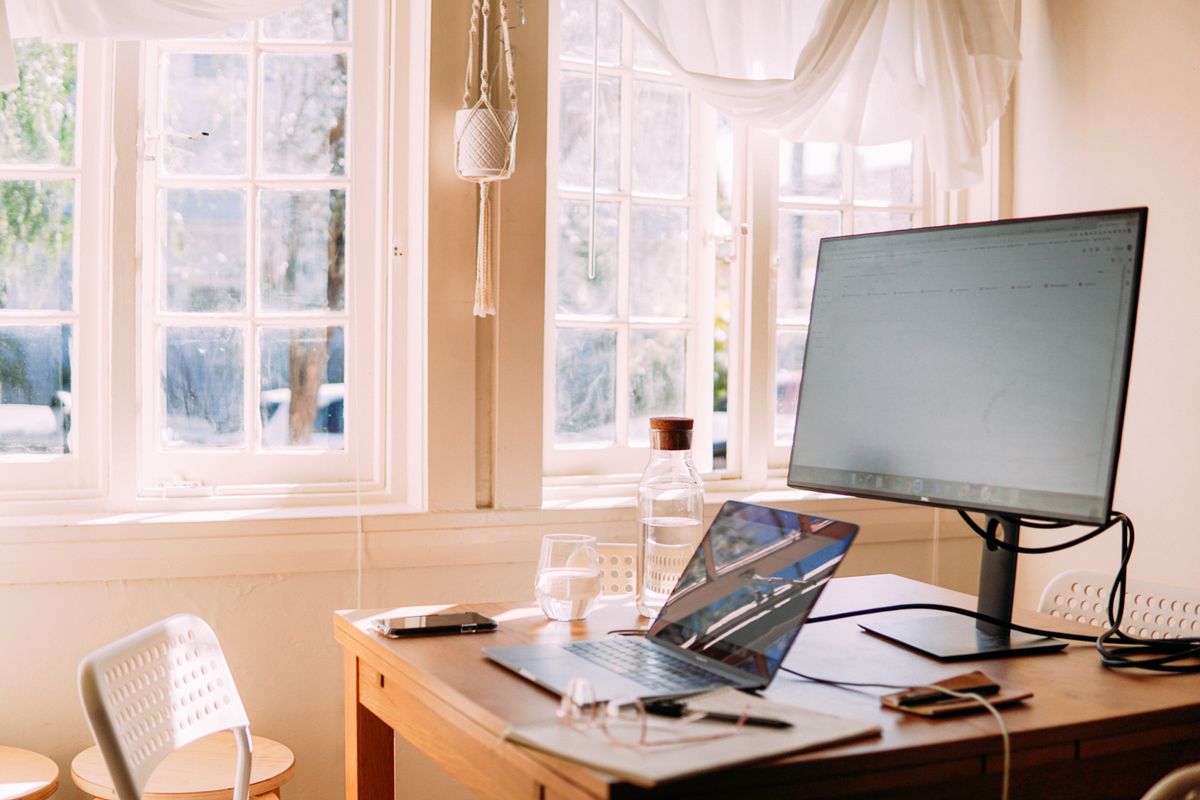
“Wi-Fi included” does not tell you whether a monthly rental will support your working day. A signal that is fine for watching television may drop during a video meeting in the bedroom. A beautiful dining table may be shared at exactly the time you need to work. Evaluate the place as a workspace as well as a home.
Ask for evidence from the room you will use
Ask the owner whether they can share a recent connection test taken at the intended work area, not beside the router. Request download, upload and latency results, plus the test location and whether other devices were active. A single test is only a snapshot; it cannot guarantee future performance.
Upload capacity matters for calls and sending files. Reliability, congestion and coverage matter too. Check your employer's or conferencing provider's actual requirements instead of relying on one universal “fast enough” number. If the owner does not know, ask for factual service and equipment details rather than accepting an unsupported performance promise.
Check the physical workspace
Find out whether there is a dedicated desk, an ordinary table or no separate work surface. Ask for dimensions if you use a monitor or need space for equipment. Clarify whether the chair has a supportive back, whether the work area has usable outlets and whether the light creates glare on a screen.
- Is the work surface private or used for dining?
- Can the chair and desk accommodate your usual working position?
- Are outlets reachable without running cords through a walkway?
- Is there a door or quiet area for confidential calls?
- Do curtains or blinds control screen glare?
- May you bring a monitor, and where can it be stored safely?
Avoid treating an attractive photograph as an ergonomic assessment. If you have particular physical needs, confirm the setup directly.
Match the household to your working hours
In a room rental, ask about shared-space use during your workday and agreed quiet hours. If you take calls across time zones, explain the likely hours. An owner cannot reasonably plan around a routine you have not described.
For example, a renter working 6 a.m. to 2 p.m. needs a different noise conversation from someone working noon to 8 p.m. Ask about recurring cleaning visits, deliveries, construction or scheduled maintenance. This is about operational expectations, not a guarantee that a residential setting will behave like an office.
Understand the network rules
Ask whether guests have a separate Wi-Fi network and whether wired access is available. Follow your organization's security policies, including any VPN or approved device requirements. Do not access router administration or change network settings without permission.
Keep work documents off shared devices and public printers unless your employer allows them. A private rented room does not automatically make every shared network or household workspace appropriate for confidential information.
Budget for a backup plan
If uninterrupted connectivity is essential, consider a mobile hotspot or an approved nearby workspace. Check coverage and data limits for your own provider, and test the backup before depending on it. Do not assume a nearby cafe offers suitable privacy, reliable internet or permission for lengthy meetings.
Count backup costs when comparing homes. An illustrative $2,000 rental with a workable desk may fit better than an $1,850 option requiring equipment rental and a coworking membership. Use real quotes, not those example figures.
What should I confirm before committing?
Save the answers about workspace, internet inclusion and any access restrictions with the rental terms. Ask whom to contact if connectivity fails and whether troubleshooting involves a shared router or outside provider.
Start with furnished monthly stays, then narrow choices around your working routine. Owners can list a remote-work-ready space and describe measurable features honestly, without labeling ordinary residential internet as guaranteed business-grade service.
Make your next month feel more settled.
Related reading
Wi-Fi setup for furnished monthly rentals
Prepare rental Wi-Fi with room-level testing, a guest network, clear credentials, realistic speed descriptions and a simple troubleshooting plan.
Choosing a monthly rental without a car
Evaluate a car-free monthly rental using the full work route, first and last transit service, groceries, weather and a realistic backup travel budget.