Audit rental amenities before submitting a listing
Check each selected amenity against the actual furnished rental, including access, availability, location and any restrictions renters need to know.

An amenity checkbox is a factual claim. If you select parking, laundry or a workspace, renters may use that information to decide whether to contact you. Before submitting a monthly rental listing, audit each selection against what an approved renter can actually use.
The audit does not need to be complicated. Walk through the property with the draft listing open and verify the details. The important distinction is between something that exists somewhere on the property and something that is genuinely included in the offered stay.
Check existence and condition
Confirm that the selected item is present and functioning as described. A washer waiting for repair should not be presented as reliably available without a clear explanation. A desk removed during a recent rearrangement should not remain in the amenity list.
Do not assume a planned purchase is equivalent to installed equipment. If the listing depends on an item arriving before move-in, resolve that before making an unconditional claim. Update photographs and descriptions after the actual arrangement is ready.
Verify renter access
Ask whether the renter is authorized to use the item or facility for the proposed stay. A building gym may require separate eligibility, and a garage may be reserved for the owner. Ownership or proximity alone does not establish included access.
Where building management or another authority controls access, confirm the current requirements. Do not promise that an exception will be granted. If approval is unresolved, keep it visible rather than selecting an amenity as though access is already assured.
Describe the location accurately
Distinguish in-unit equipment from shared building facilities and off-site alternatives. A laundry room elsewhere on the property may still be useful, but it is not the same as a washer inside the rented space.
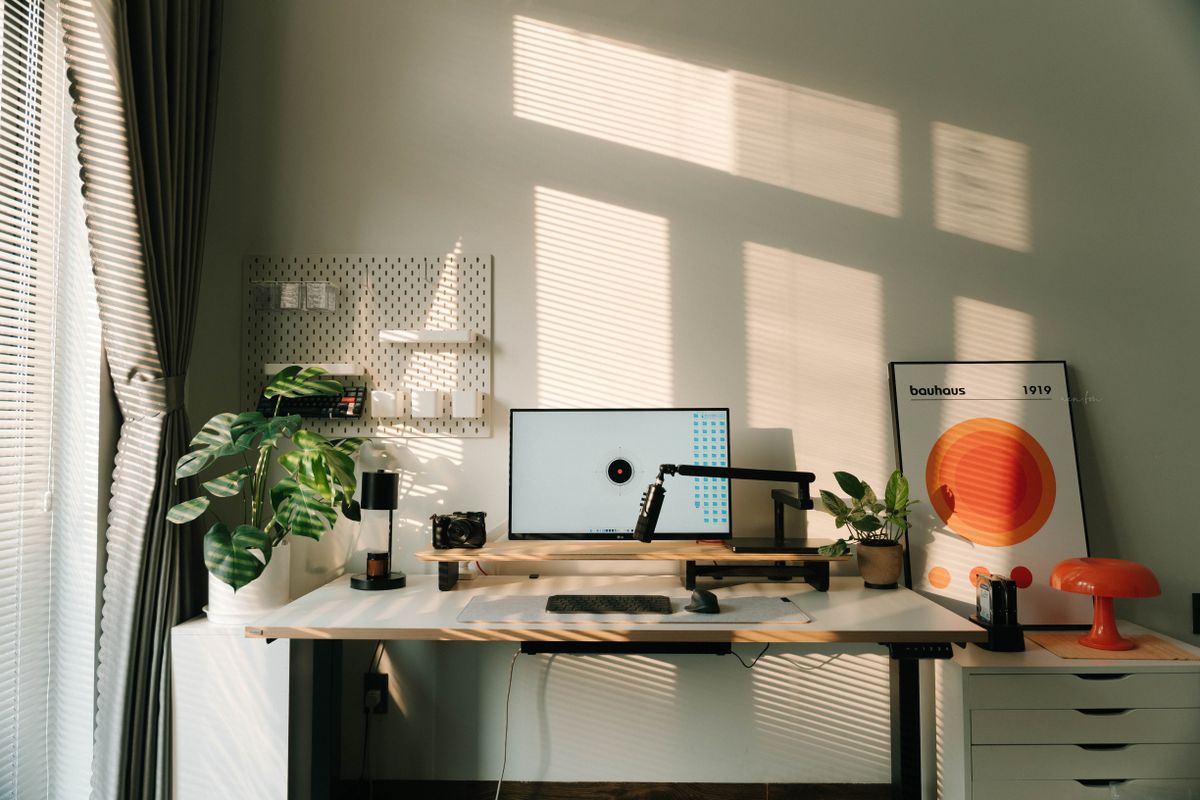
For a workspace, identify the actual surface and chair. A small decorative table may not support the work a renter expects. Avoid turning a broad checkbox into a promise of ergonomic suitability, technical support or compatibility with every employer’s requirements.
Identify limits and separate charges
Check operating hours, booking requirements and any cost outside the rent. If parking is unreserved, say so. If utilities have a cap, explain the arrangement rather than relying on the word “included” without qualification.
Keep descriptions understandable. You do not need to bury every amenity in legal language, but a material restriction should not appear only after a renter has paid. Ask whether knowing the limit would change a reasonable person’s decision to inquire.
Match photographs and text
Look for items visible in photos that are not included and claims in text that the photos contradict. A pictured monitor may be a personal item; an empty closet photograph may no longer reflect available storage.
Correct the source of confusion directly. Remove outdated images, revise the inventory or add a precise explanation. Do not expect a reviewer to infer that one part of the listing supersedes another. Consistency is especially important after edits to a previously approved property.
Repeat the check after meaningful changes
Create a short internal list of the amenities you provide and review it when equipment is replaced, access rules change or the furniture layout changes. Keep private operational notes separate from the public description.
If a listed feature becomes unavailable during a stay, communicate through the agreed process and address the specific situation. The appropriate response depends on the agreement, circumstances and applicable requirements; an amenity audit is prevention, not a substitute for handling a real issue.
List a furnished place after checking the actual offer. You can browse monthly rentals from a renter’s perspective to see why accurate amenity selections matter more than selecting every possible feature.
Put your preparation into a clear listing.
Related reading

Describe private and shared rental spaces clearly
Write a precise monthly rental description that distinguishes the rented room or home from shared kitchens, bathrooms, entrances and outdoor areas.
Keep rental listings accurate after changes
Use a simple change record to keep furnished rental photos, inventories, amenities and descriptions consistent after updates to the property.