How to list your furnished place in 10 steps
A calm, step-by-step guide to listing a furnished home, apartment or room for monthly renters on Month ‘n’ More, from ID check to review.
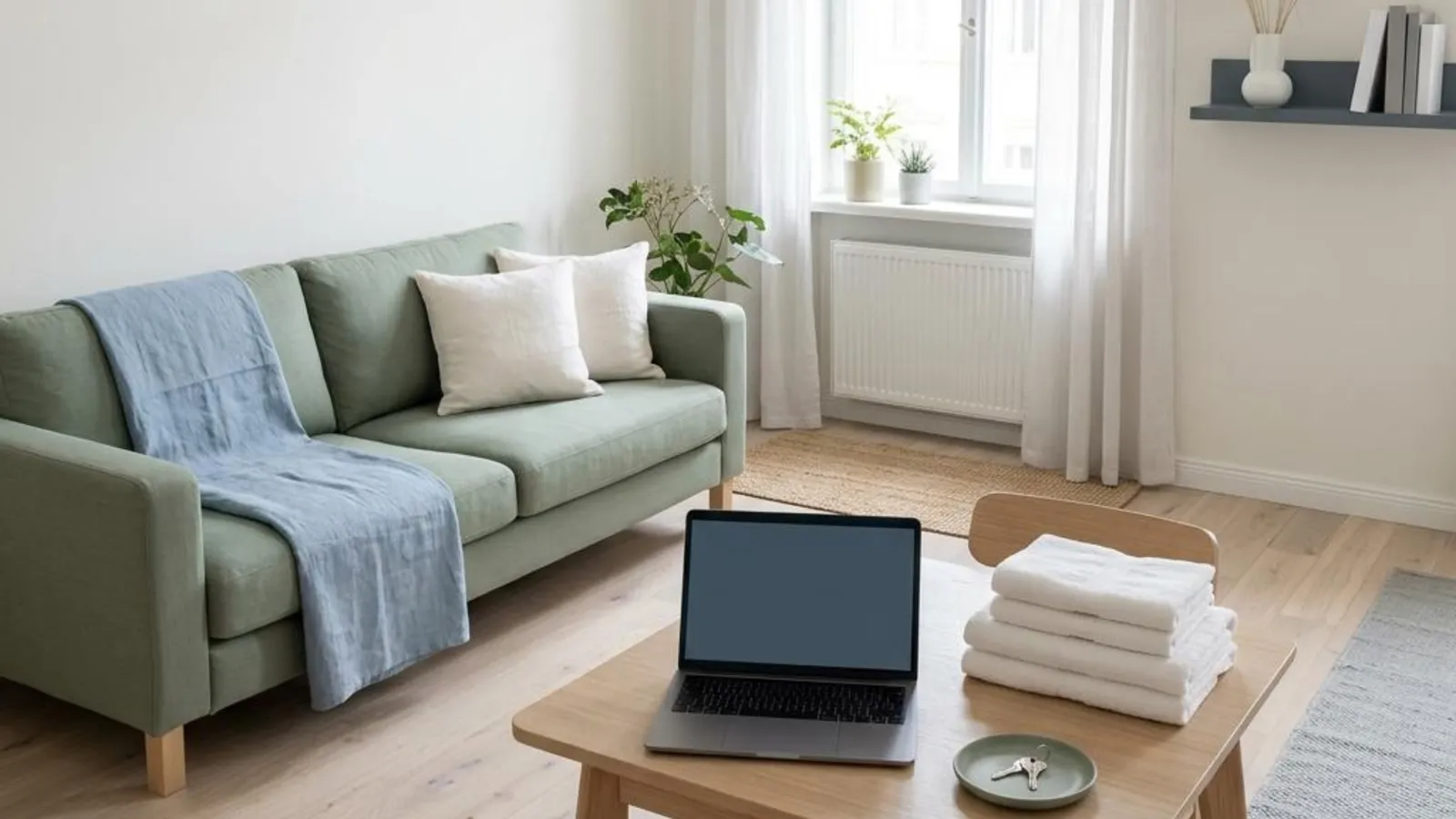
Listing a furnished place for monthly renters doesn’t have to be a weekend project. If you know what you’ll need before you start, most of the work is gathering details you already know about your home. Here’s the whole path on Month ‘n’ More, from creating your account to welcoming your first renter.
A quick note on timing: owner onboarding opens December 1, 2026, the same day Month ‘n’ More launches. You can get everything below ready now so you’re set to go on day one.
Step 1: Decide what you’re offering
Start with the basics. Is it an entire home, an apartment, a private room in a home you live in, or a hotel or extended-stay suite? Month ‘n’ More is built for stays of a month or longer, so every listing sets a minimum stay of at least 30 nights.
If you’re offering a spare room, our guide to writing a private room monthly rental listing covers what renters need to know about shared spaces.
Step 2: Gather your property details
Before you sign in, collect the facts renters will ask about anyway:
- Property type, bedrooms, bathrooms and the maximum number of guests
- Amenities and furnishings (bed and linens, kitchen basics, workspace, laundry, parking)
- Wi-Fi, utilities and what’s included in the monthly price
- House rules, pet policy and any building or HOA rules
- Your available-from date
The List your place page has a short list of what you’ll need. If you’d like a head start on the kitchen, our kitchen inventory for furnished monthly rentals is a handy checklist.
Step 3: Set your monthly price, deposit and utilities
Monthly renters compare total cost, not just rent. Decide on your monthly price, your deposit and how utilities work, and write them down in plain numbers. If you’re unsure where to land, read how to price a furnished monthly rental.
You keep 100% of the rent. Month ‘n’ More takes no commission, and renters pay no booking fees. Rent and deposits are arranged directly between you and your renter.
Step 4: Take clear, honest photos
A listing can have up to 12 photos. Aim to show every bedroom, bathroom, the kitchen and the living area, plus the furnishings renters will actually use. Use current photos of the real space, in good natural light, with no watermarks or borrowed images.
For more on framing and captions, see photos and descriptions that set clear expectations.
Step 5: Create your account
When onboarding opens, create your account from List your place. You can register as an individual owner, a property manager, a hotel, a serviced-apartment operator or a corporate-housing company.
Step 6: Complete your owner ID check
Every owner completes a quick live ID check: a photo of a government-issued ID plus a matching selfie, handled by our identity provider. It’s required before you can submit a listing, and you renew it every six months. Your documents are never shown on your public listing.
We explain the why and how in Owner ID check: why we ask and how it works.
Step 7: Choose your owner plan
You’ll need an active plan with an open listing space before you submit. The owner plan includes two active listings, and you can choose a one-year or six-month term. If you have more than two places, you can add additional properties that match your plan’s term.
For a plain-language breakdown, see Month ‘n’ More pricing explained for owners, or check the live Pricing page.
Step 8: Build your listing
Now bring it all together. A listing needs at least:
- A name and property type
- A description
- The private street address, plus city and state
- A monthly price
- An available-from date
- A minimum stay of at least 30 nights
- The maximum number of guests
- At least one photo
Your exact street address and map pin stay private. Public pages show an approximate location only. Then add amenities, utilities, house rules and stay requirements. Our guide to writing clear house rules can help.
You don’t need to upload house or ownership documents to list.
Step 9: Add optional extras (only if they help)
Two extras are available, and neither is required:
- Professional Listing Setup. If you’d rather not write and arrange everything yourself, our team can prepare up to three listings from the details and photos you supply. Read what you get with done-for-you listing setup.
- Listing boost. After a listing is approved and published, you can add featured placement for 14 or 30 days. It uses fair search rotation and is labeled as sponsored.
Step 10: Submit for review, then answer inquiries
When your draft is complete, submit it for review. A person on our team reviews every new listing before it appears in search. Review checks the information you submitted. It isn’t a home inspection, and approval isn’t automatic. If something needs a change, the listing goes back to draft so you can update it and resubmit.
Find out what to expect in what happens after you submit a listing for review.
Once your listing is public, renters can message you directly. You’ll get in-app and email notifications, and browser push notifications are optional. From there, you and the renter talk through the details, including any screening you choose to do, the lease, the deposit and payment. Those are arranged directly between you, outside Month ‘n’ More. Our guide to screening renters the right way covers what to consider.
A short checklist to keep handy
- Offer type decided, 30-night minimum set
- Details, amenities, utilities and rules written down
- Monthly price and deposit decided
- Up to 12 current, real photos
- Account created (from December 1, 2026)
- Owner ID check complete
- Owner plan chosen
- Listing built and reviewed by you
- Optional extras considered
- Submitted for review
That’s it. Ten steps, and most of them happen at your kitchen table. When you’re ready, start on List your place, or see how Month ‘n’ More works from the owner’s side.
Put your preparation into a clear listing.